4 minutes
Tap to Pay: Accept contactless payments from your smartphone – no hardware needed
Your iPhone is already a payment terminal. Here's how Tap to Pay puts it to work – and why it's reshaping how small businesses get paid.
It's Saturday morning at the farmers market. A personal trainer finishes a session and asks how the client wants to pay. A boutique owner's card reader dies with a line forming at the counter. In each case, the solution is the same – and it's already in their pocket.
Tap to Pay is a software solution that turns any compatible iPhone or Android smartphone into a contactless payment terminal. No card reader. No hardware to order, wait for or configure. Just download the app, sign up and start accepting payments – contactless cards, Apple Pay, Google Pay and other digital wallets – in minutes.
It's important to be clear about what Tap to Pay is: a software point-of-sale solution. The underlying technology that makes it work is NFC (near-field communication) – the same technology inside every contactless card and mobile wallet. If you're new to NFC, our guide to NFC payments covers it in full. This article is about the product: what it does, who it's built for and how to get started.
What is Tap to Pay?
Tap to Pay is a SoftPOS (software point-of-sale) solution that turns an NFC-enabled smartphone into a contactless payment terminal. Merchants download a provider’s Tap to Pay app, and their iPhone or Android device can then accept contactless debit and credit cards, Apple Pay, Google Pay and other digital wallets – with no card reader or additional hardware required.
SoftPOS – short for software point-of-sale – is the category of technology that powers Tap to Pay. Rather than relying on dedicated payment hardware, SoftPOS uses the NFC antenna already built into a smartphone to read payment data from a customer's card, phone or wearable. The phone becomes the reader.
A few things Tap to Pay is not: It is not NFC itself (NFC is the technology; Tap to Pay is one product that uses it). It is not the consumer action of tapping a phone to pay – that's what your customer does. Tap to Pay is the merchant-side software that receives that tap, processes it securely and routes the transaction through Worldpay's payment infrastructure.
The SoftPOS market is growing rapidly – Visa reported 200% year-over-year growth in Tap to Phone adoption globally, with the global SoftPOS transaction value forecast to grow from $23.9 billion in 2025 to $540 billion by 2030 (Juniper Research). Tap to Pay is a version of this technology – purpose-built for small and medium businesses.
How does Tap to Pay work?
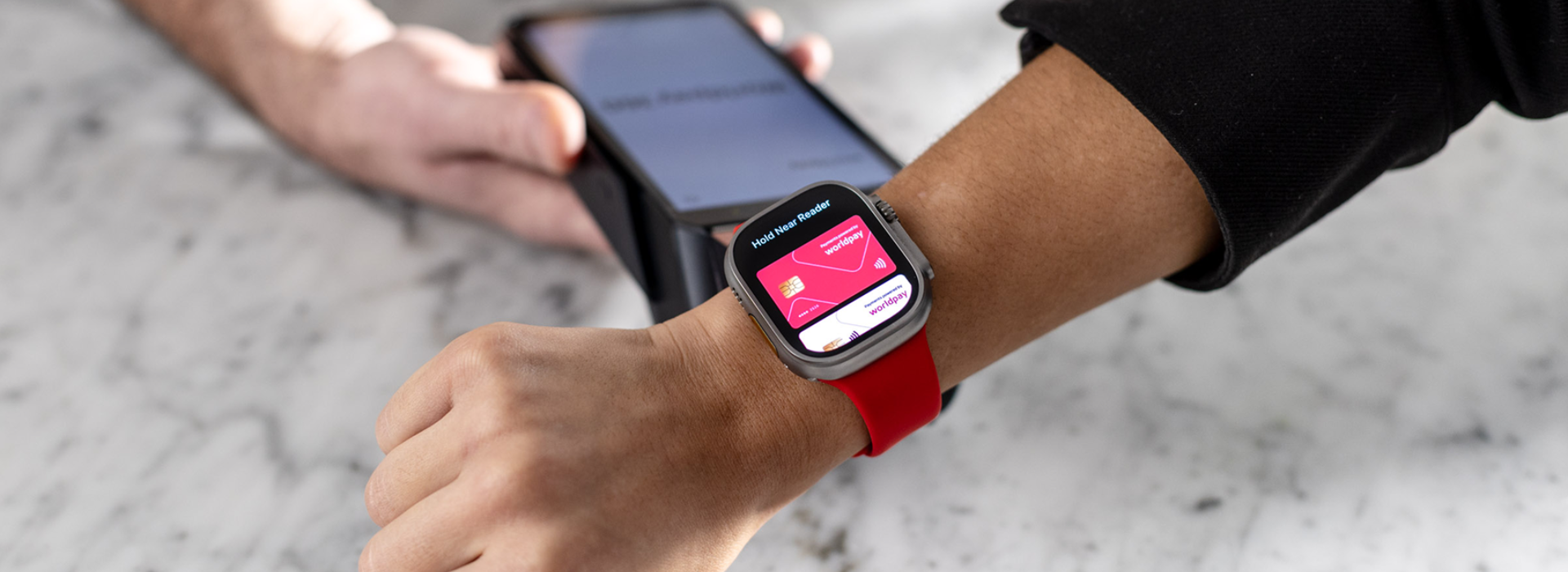
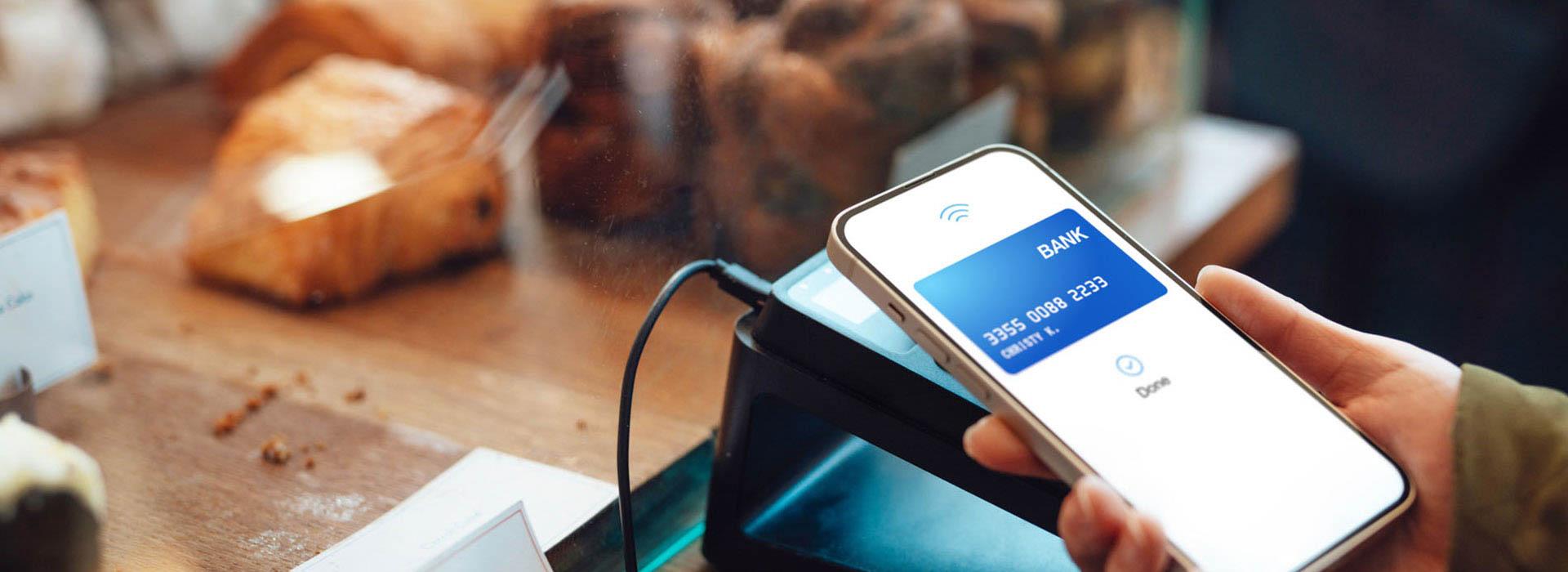
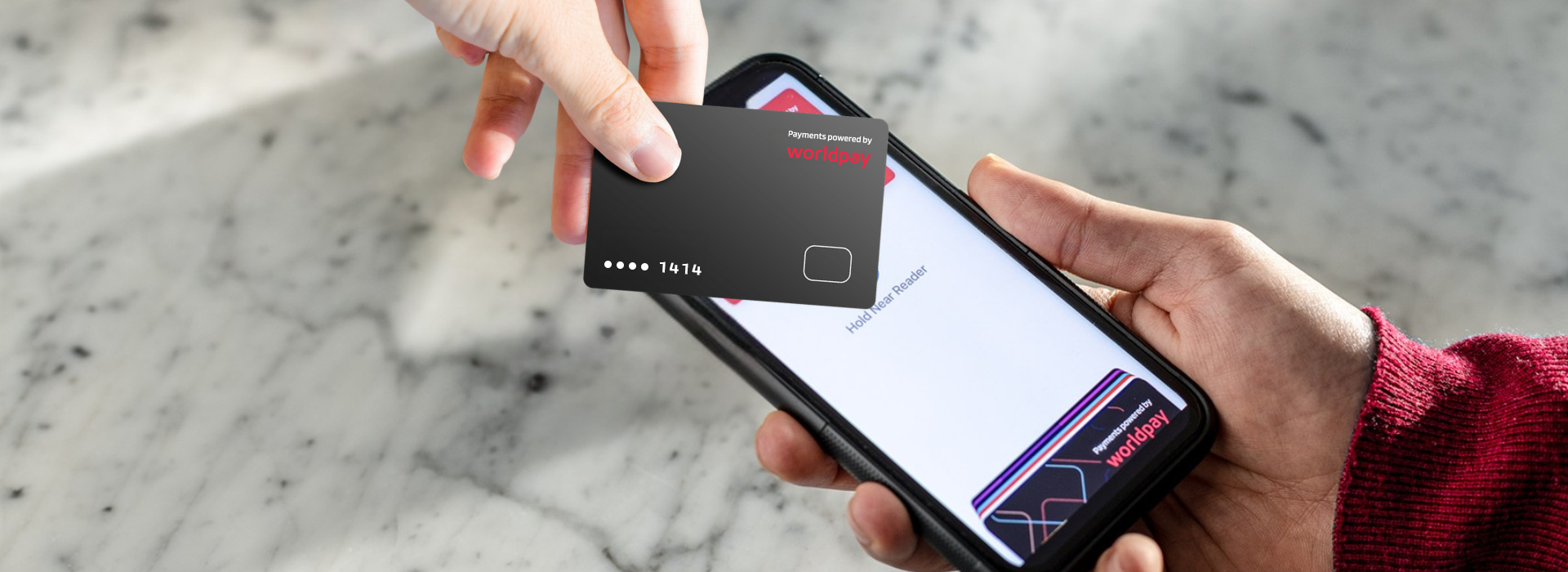
The merchant opens the app on their iPhone or Android device and enters the sale amount. The customer holds their contactless card, phone or wearable to the top of the merchant's device. The NFC antenna reads an encrypted, one-time payment token – not the real card number. The transaction is authorized in seconds and a digital receipt is sent.
The merchant experience from first payment to done:
- Select a solution offering Tap to Pay and download the solution app.
- Open the app and enter the amount for the transaction.
- Present your iPhone or Android device to the customer.
- The customer holds their contactless card, phone or wearable to the top of your device – over the NFC symbol.
- When the screen shows a confirmation, the payment has been read and is processing.
- Transaction authorized. Send a digital receipt by SMS or email. Done.
Tap to Pay accepts contactless debit and credit cards – Visa, Mastercard, Amex, Discover – as well as Apple Pay, Google Pay, Samsung Pay and other NFC-enabled digital wallets. On iPhone, Tap to Pay requires an iPhone XS or later running iOS 16 or later. For Commerce360 merchants, the equivalent experience is available on compatible Android devices as well.
The security is built in. Card numbers are never stored on the merchant's device. Every transaction is PCI compliant and uses tokenization – meaning the payment data exchanged is a single-use encrypted token that's useless outside that specific transaction.
Who is Tap to Pay for?
Tap to Pay is ideal for mobile businesses, pop-up and event sellers, service-based professionals and businesses just starting out who want to accept contactless payments immediately without hardware costs. It's also a practical backup or roaming option for established businesses that want payment flexibility beyond the counter.
Many Tap to Pay adopters are new small businesses – which reflects exactly who the product is built for. Some specific use cases:
Mobile and on-the-go businesses
Food trucks, mobile pet groomers, personal trainers, delivery businesses, field service workers, photographers – any business where the transaction happens away from a fixed counter. If your phone goes with you, so does your payment terminal.
Pop-up and event sellers
Farmers market vendors, craft fair sellers, artists, caterers and anyone setting up at events benefits most from zero-hardware flexibility. There's nothing to pack, ship or set up – Tap to Pay is ready whenever you are.
New businesses
Starting out and want to accept cards before your full setup is in place? Tap to Pay lets you take your first payment the same day you sign up – no waiting for hardware to arrive, no upfront equipment cost.
Established businesses that want more flexibility
A boutique owner who wants to take payments on the shop floor instead of making customers queue at the register. A restaurant that wants tableside payment without a second terminal. A business that wants a reliable backup if the main reader goes down. Tap to Pay works alongside existing setups, not just as a replacement.
Whatever your setup, Worldpay's Commerce360 has it covered. It brings together digital payment tools – including Tap to Pay, a virtual terminal, invoicing, and pay links – alongside hardware options from the pocket-sized Mobile Card Reader to the full Smart Terminal Pro. Whether you need flexibility, a fixed counter or both, Commerce360 is built to meet you where your business operates.
What are the business benefits of Tap to Pay?
The main benefits of Tap to Pay are: no hardware cost, the ability to sell anywhere with a network connection, fast setup in minutes, built-in PCI-compliant security with tokenization, and a professional payment experience with digital receipts and an integrated Worldpay dashboard.
No hardware cost
There's nothing to buy, lease or wait for. The device you're already carrying is the terminal. This removes the single biggest barrier most small businesses face when trying to upgrade their payment setup: upfront equipment cost.
Sell anywhere
Tap to Pay works wherever you have a network connection. That means the same payment experience whether you're at your counter, at a client's home, at a market stall or at the door greeting a customer. Your business isn't anchored to a cable or a counter.
Fast setup
Download the app, sign up and you're ready to accept payments – typically in minutes. There's no configuration, no waiting for equipment, no troubleshooting. For businesses that need to start accepting cards quickly, the setup time alone is a significant advantage.
Secure by design
Tap to Pay is PCI compliant. Card numbers are never stored on the device. Every transaction uses tokenization – the customer's real card data is replaced by a single-use encrypted token before it ever reaches the payment network. On top of that, customers who pay via Apple Pay or Google Pay have already authenticated with Face ID, a fingerprint or a PIN before the tap. That's two layers of protection baked in before the transaction is even complete.
Professional experience
Digital receipts, a clean payment confirmation screen and access to Worldpay's merchant dashboard for tracking transactions and reporting – Tap to Pay gives small businesses the same professional payment infrastructure as larger merchants, without the cost or complexity.
"The global SoftPOS transaction value is forecast to grow from $23.9 billion in 2025 to $540 billion by 2030. Tap to Pay puts that infrastructure in your pocket, today."
Is Tap to Pay secure for merchants?
Yes. Tap to Pay is PCI compliant and built on the same security architecture as traditional payment terminals. Card numbers are never stored on the merchant's device. Every transaction uses tokenization – a one-time encrypted token replaces real card data. Mobile wallet payments add a biometric authentication layer before the transaction reaches the device.
Security is the question every merchant asks first, and the answer is straightforward. Here are the protections built into every Tap to Pay transaction:
- Card data is never stored on your device – there is no data to steal from the hardware.
- Tokenization replaces the customer's real card number with a one-time encrypted token. It cannot be reused.
- NFC signals only transmit data within a few centimeters – remote interception is not possible.
- Apple Pay and Google Pay users authenticate with Face ID, a fingerprint or PIN before any payment data reaches your device.
- Tap to Pay is PCI DSS compliant and certified to PCI Mobile-POC standards – the same framework that applies to traditional POS terminals.
For a detailed explanation of tokenization and how it protects both merchants and customers, see Worldpay's guide to payment tokenization.
How does Tap to Pay compare to a traditional card reader?
Tap to Pay requires no hardware and sets up in minutes, making it ideal for mobile or new businesses. A traditional card reader offers a dedicated device that may be better suited to high-volume, counter-based selling. Both accept the same payment types and offer the same security. The right choice depends on how and where your business operates.
The comparison isn't about which is better – it's about which fits your business. Here's the breakdown:
Tap to Pay | Dedicated card reader | |
|---|---|---|
Hardware cost | None – use your smartphone | Varies; from ~$110 for a basic reader |
Setup time | Sign up, download, go | Days (shipping + configuration) |
Portability | Wherever your phone goes | Depends on device; some are handheld |
Payment types | Contactless cards, Apple Pay, Google Pay, Samsung Pay, other NFC wallets | Same |
Receipt delivery | Digital (SMS/email) | Digital or printed |
Best for | Mobile, pop-up, events, getting started quickly | High-volume, counter-based or multi-terminal setups |
The short version: If you're mobile, just starting out or need a backup option, Tap to Pay wins on every practical dimension. If you're running a high-volume counter with multiple staff processing transactions simultaneously, a dedicated terminal may serve you better – and Worldpay's Commerce360 hardware range has options for every setup.
The two aren't mutually exclusive either. Many businesses use Tap to Pay as their primary solution and add a terminal as they grow – or run both side by side. Explore Worldpay's Commerce360 hardware options if you want to compare the full range.
Ready to accept payments from your phone?
The personal trainer, the market vendor, the boutique owner mid-Saturday – they can all be ready to take their next payment in the time it takes to download an app. Tap to Pay is part of Worldpay's Commerce360 solution: a complete business payment platform that brings together digital payment tools and hardware in one place. No hardware required to get started, no waiting, no complicated setup.
Accept payments anytime, anywhere, straight from your mobile device. Get started with Tap to Pay through Worldpay's Commerce360 – and when you're ready to add dedicated terminals, explore the full Commerce360 hardware range.
Frequently asked questions about Tap to Pay
Does Tap to Pay require any hardware?
No. Tap to Pay runs entirely on your existing smartphone – no card reader, no terminal and no additional accessories required. You need an iPhone XS or later running iOS 16 or later, or a compatible Android device for Commerce360 merchants.
How is Tap to Pay different from NFC?
NFC (near-field communication) is the wireless technology that enables contactless payments. Tap to Pay is a software product – a SoftPOS solution – that uses NFC to turn your smartphone into a merchant payment terminal. NFC is the technology. Tap to Pay is a specific application of it.
What payment types does Tap to Pay accept?
Tap to Pay accepts contactless debit and credit cards (Visa, Mastercard, Amex, Discover), Apple Pay, Google Pay, Samsung Pay and other NFC-enabled digital wallets – all through your phone, without a separate reader.
Is Tap to Pay safe for my business?
Yes. Tap to Pay is PCI compliant. Card numbers are never stored on your device. Every transaction uses tokenization – a unique, one-time encrypted token replaces real card data. Mobile wallet payments add biometric authentication on the customer's side. The security architecture matches that of full-scale payment terminals.
Can I use Tap to Pay if I already have a card reader?
Yes. Tap to Pay works alongside existing payment setups. Many businesses use it for mobility – taking payments on the shop floor, at events or as a backup – while keeping their counter terminal for high-volume transactions. Both options connect to the same account and dashboard.
Related insights